Hotel Lobby AI
Two photos. Your next duo video.
Bring two people, pets or characters into the same scene. Choose a photo for each performer, describe the performance, and create your own take on the Hotel Lobby trend.
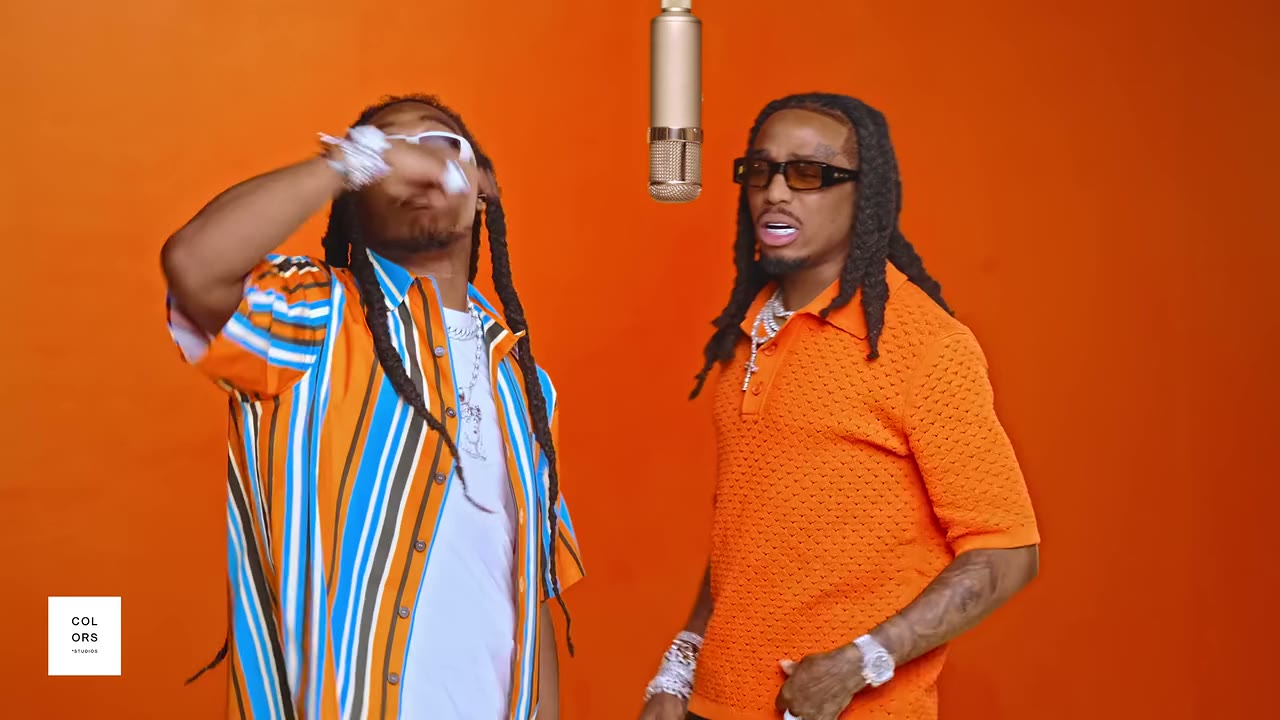
Explore the Hotel Lobby format
See how different subjects can share a stage.
A new cast on stage
Reference example
Pets join the performance
Reference example
Examples from hotel-lobby-ai.com. Use them for inspiration; generated results depend on your photos and prompt.
What is Hotel Lobby AI?
The Hotel Lobby trend pairs two unexpected performers in a studio-style video. Here, your two photos guide a new video: describe the setting, outfits, movement and left-to-right arrangement in your prompt. Review the result and refine your next take.
Make the duo your own
Two photo references and an editable prompt give you a starting point for a new performance.
Two independent performers
Upload one image for each side. Replace either photo without moving the other, and refer to them as @image1 and @image2.
People, pets and characters
Try a friend, a pet or an illustrated character. Clear, unobstructed subjects give the model more useful visual detail.
A scene you can describe
Set the location, camera framing, clothing and motion in your prompt. Specific instructions help communicate your idea.
Video and generated audio
Adjust the audio option for your take. Audio is newly generated; an example’s soundtrack is not added to your request.
Framing for your next post
Choose from the supported aspect ratios, resolutions and durations in the panel. Check the updated credit quote before submitting.
Keep working from a result
Download the finished video, find it in Video History, or choose Reuse these inputs to edit its photos, prompt and settings.
From photos to a performance
Create and review your video in this workspace.
1. Choose both performers
Sign in and upload a clear JPEG, PNG or WebP for each side. Each file can be up to 20 MB.
2. Describe your take
Edit the prompt to explain the scene and movement. Choose your video settings, review the credit quote and generate.
3. Review, download, refine
Your result appears beside the panel. Review it, download it, or reuse the inputs to try another version.
Find your next duo idea
Imagine your own cast, setting and performance.
Friends on stage
Reference example
An unexpected partnership
Reference example
A playful double act
Reference example
Characters in concert
Reference example
A duo with attitude
Reference example
A new cast
Reference example
Two worlds together
Reference example
Your next performance
Reference example
Examples from hotel-lobby-ai.com. Use them for inspiration; generated results depend on your photos and prompt.
A duo for every occasion
Use the format as a starting point for your own story.
Friends and group chats
Build a performance around an inside joke and share the finished take with your friends.
Couples and celebrations
Turn two portraits into a playful scene for an anniversary, birthday or invitation.
Pets in the spotlight
Give two pets a stage, or pair a pet with its person for an unexpected performance.
Original characters
Bring your own character designs together and describe their costumes and personalities.
Creators and social posts
Explore a recurring duo, test different framing and review every output before publishing.
Hotel Lobby AI FAQ
Give your duo a stage
Choose two photos and describe the performance you have in mind.