Turn your ideas into videos with AI
Create videos from text or images with models including VEO 3.1, Kling and Hailuo. Describe the scene, add reference images and choose the settings for your next video.
AI Video Generator: Creative Workspace
Choose a model, shape the motion with your prompt and review the credit cost before generating. Follow progress and download finished videos in Create.
Video Generation Examples with Paevon AI Video Generator
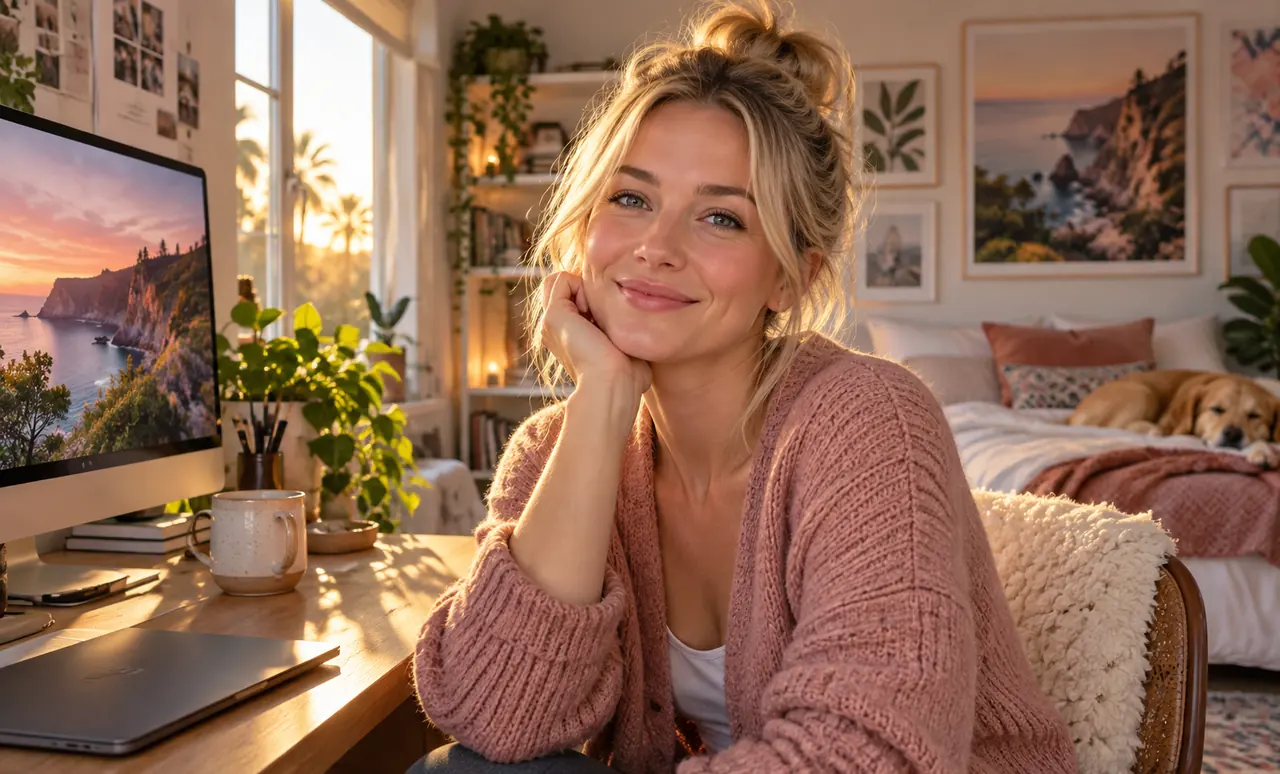
Explore reference examples of motion, framing and visual styles for your next video. These examples are creative references, not Paevon generation results.
Prompt
Make it move
Core Features of Paevon AI Video Generator
Bring text prompts and reference images into one workflow. Choose the model and controls that suit your video.
Text to Image Generation
Input text descriptions for AI to automatically generate high-quality images that can be directly used as video segments
Direct Image Upload
Support local image uploads as video generation starting points, maintaining visual detail consistency
Multimodal Video Generation
Text and image inputs can be combined, with AI automatically generating continuous frames and natural motions
Image-to-Video Integration
Generated images can be directly inserted into video start and end frames, with automatic scene transitions
Advantages of Paevon AI Video Generator
Compare models, adjust your inputs and review the credit quote before submitting. Keep your videos together in My Creations.
One-Click Image to Video
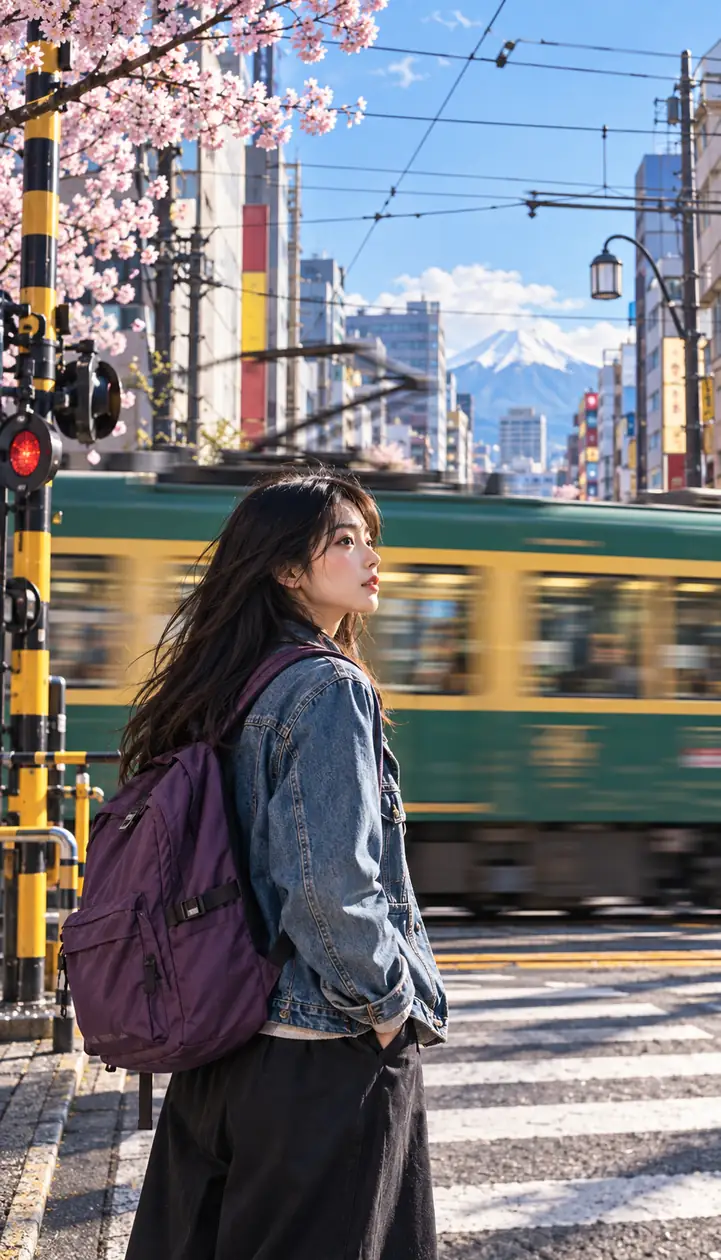
Generated images can be directly used for subsequent video generation, eliminating tedious import steps
High Generation Efficiency
Fast multimodal parsing and rendering, producing short videos within minutes
Consistent Style
Seamless transition between images and generated video frames, minimizing style discontinuity
Multi-Scenario Support
Meets diverse content needs for e-commerce, advertising, social media and more
Application Scenarios of Paevon AI Video Generator
Create short clips for product concepts, social posts, visual storytelling and creative experiments.
Ad Material Creation
Generate product images first, then quickly create dynamic video ads
Social Media Videos
Use images for character storyboards, AI automatically expands into narrative shorts
Product Demonstrations
Upload product photos, AI adds operation or scene demonstration animations
Step-to-Step for creating videos with Paevon AI Video Generator
Preview the creation workflow. You can prepare inputs now; generation and downloads will be available after service launch.
Start Frame
Set the video's start frame
Generate Image
Create image for start frame
Choose Image
Select image for start frame
End Frame
Set the video's end frame
Video Prompt
Input prompt for video creation